

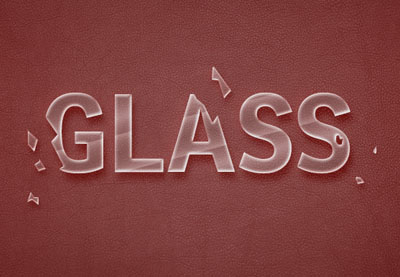
Nel tutorial che andremo a seguire viene mostrato come utilizzare un paio di stili di livello per creare un effetto di testo vetro. Poi vedremo come utilizzare lo strumento di selezione e le maschere per trasformarlo in vetro rotto utilizzando il programma di grafica Adobe Photoshop. Un esercizio molto dettagliato e facile da seguire anche per utenti non esperti.
Related Posts
16
Nov2016

Draw a Christmas Sale Label in CorelDRAW
In this video tutorial we will take a look at how to make a Christmas themed commercial sales label using CorelDRAW vector graphics program. An excellent exercise to prepare our…
20
Dec2016

Draw a Social Media Icon in Adobe Illustrator
Nel tutorial che andremo a visitare affronteremo un tema un po’ diverso e impareremo a disegnare alcune icone vettoriali di social media in Adobe Illustrator utilizzando forme semplici come il…
23
Nov2016

Create an Awesome Dispersion Action in Photoshop
Nel tutorial di Adobe Photoshop che andremo a visitare imparerete come creare un effetto sorprendente di dispersione. Prima si creano i diversi modelli che useremo per realizzare le parti disperse.…
14
Sep2016
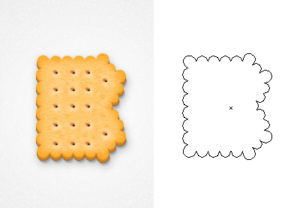
Create a Realistic Biscuit Text Effect in Illstrator
Nel tutorial che andremo a seguire impareremo a disegnare un testo in stile biscotti utilizzando la forma di ogni lettera e nient’altro. Un esercizio abbastanza lungo e articolato ma che…
23
Sep2013
Create a Spiral Galaxy in Photoshop
Nel tutorial che andremo a vedere è descritto il processo di ‘creazione’ di una galassia con Photoshop. Si cercherà di riprodurre una parte dell’Universo con gli strumenti messi a disposizione…
08
Oct2013
Create Character Concept in Photoshop
Creating a character is very very important in producing a great illustration. To get a good result you need to do some planning and research into who your character is…










