


In the tutorial we’re going to visit, we’ll see how to draw a blade in Adobe Illustrator. We will use basic shapes and some curvature effects. And it’s great, because it means you do not need to be a professional artist to create such an illustration.
Related Posts
11
Oct2017

Draw a vector Set of Superhero Emoji in Illustrator
In the tutorial we are going to see is shown how to draw a set of vector icons by creating the classic emoji smilies with the appearance of our favorite…
14
Nov2016

Create Popcorn Text Effect in Photoshop
Un interessante video tutorial che mostra come creare un testo in uno stile un pochino da cartone animati adatto ad esempio a un secchiello di popcorn con Adobe Photoshop. Useremo…
18
Mar2017

Circus Icons Free Vector download
On this page we present another beautiful series of vector icons that can be freely downloaded and used for your graphic and design projects. This time it is very simple…
02
Sep2014
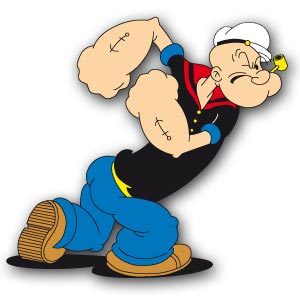
Popeye The Sailor Man free Vector download
Popeye the Sailor Man is a fictional cartoon character. Created by Elzie Crisler Segar in the 1930s. He has appeared in comics and cartoons for theater and television. It first…
14
Oct2022

Simple Jack O Lantern Free Vector download
On this page you will find another free graphic element. This is the Jeck o Lanter Vector that you can use as a logo or other in your graphics projects.…
22
Jan2019
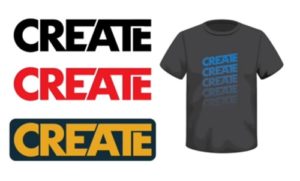
Customize Fonts for T-shirt Designs in Adobe Illustrator
In this nice video tutorial we will see how to customize fonts with the Adobe Illustrator vector graphics program to create t-shirts with a young and captivating design. A very…
