

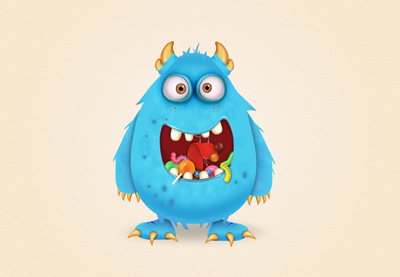
In the tutorial that we will follow we will learn how to draw a cartoon character, a cute candy monster in Adobe Illustrator. There are a lot of techniques used throughout the exercise, from plots to small details, a new Blend Art Brush, masking techniques, blending options and even a 3D effect. Not to mention the colorful candies and gelatinous worms that are fun to draw.
Related Posts
21
Jan2016

Design for Coffee Shop in Adobe Illustrator
In this vector graphics tutorial video we will see how to create a design for a coffee-related business, in particular we will see how to create a classic but captivating…
12
Apr2017

Draw a Label Motor Company in CorelDRAW
A nice video tutorial showing us how to make a logo or vector label for an engine workshop using the CorelDRAW graphics program. A very detailed exercise that uses some…
06
Aug2016
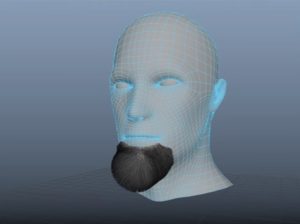
Create Facial Hair for your 3D Model in Maya
In this interesting video tutorial we will take a look at a lesson that shows how to make beard hair for a 3D ‘model’ using Autodesk Maya. An excellent exercise…
13
Nov2015
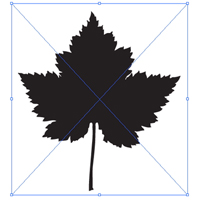
Make Vector Silhouettes with Live Trace and Photoshop
Tracing is a quick and easy way to make vector silhouettes from photos. If the photograph is less than perfect, Photoshop can help. In this video tutorial you will learn…
06
Feb2018

Gorilla Free Vector download
On this page we present another vector drawing that can be freely downloaded and used for your graphic and design projects. It is the stylized head of a gorilla that…
29
Apr2013
Create a Vector Vacuum Cleaner in Illustrator
An Illustrator tutorial to create a vector vacuum cleaner. In this lesson you can learn some excellent techniques for making vector illustrations, as well as the use of powerful Illustrator…
