


In the tutorial that we are going to show, there are the steps to design a dragon-shaped mountain in Photoshop. This is a good example to see some simple methods for blending objects in Photoshop and modifying them with various image adjustment tools. This is an intermediate level lesson.
Related Posts
05
Oct2014

MotoGP Free Logo Vector download
Road Racing World Championship Grand Prix is the premier championship of motorcycle road racing. It is currently divided into three classes: MotoGP, Moto2 and Moto3. All three classes use four-stroke…
26
Sep2016
Remove Video Noise and Film Grain in After Effects
In this interesting video tutorial we would be faced with a lesson that demonstrates how to easily and effectively remove video noise and film grain in After Effects without using…
19
Oct2015
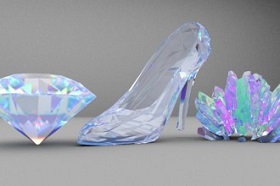
Rendering Crystals with Arnold Renderer in Cinema 4D
This video tutorial shows you how to create some very realistic crystals with Arnold rendering in Cinema 4D. A lesson suitable for intermediate users who want to experiment with Arnold…
22
Apr2013
Create a “Two-Faced” Painting in Adobe Photoshop
In the lesson you will see the creation of a nice character in Adobe Photoshop is illustrated, it can be a difficult but rewarding task. The character that will be…
25
Jan2016
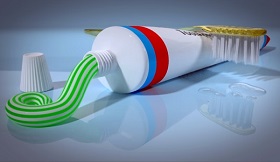
Modeling a Toothpaste and Toothbrush in Blender
This video tutorial in Blender shows how to create a photorealistic composition related to oral hygiene. The first part is about modeling a tube of toothpaste, the cap and textures…
10
Mar2018

Create an Illustration for International Women’s Day in Illustrator
One of the first spring celebrations in many countries of the world is the International Women’s Day, which is celebrated on March 8th. Wives, daughters, grandmothers and girlfriends will receive…










