

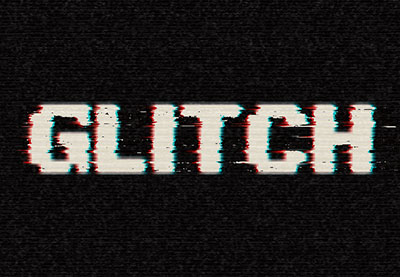
In the tutorial we’re going to visit, we show you how to use Photoshop layer styles, filters and layer masks to create a text effect with a simple and fast digital ‘noise’. On the tutorial page, the links to download the files used in the exercise.
Related Posts
08
Mar2014

Create Supernatural Text Effect in Photoshop
Nel tutorial che andremo a seguire è descritto il processo per creare un effetto di nebbia notturna su di un testo per dare un sorta di soprannaturale inquietante sensazione. Un…
28
Jul2019
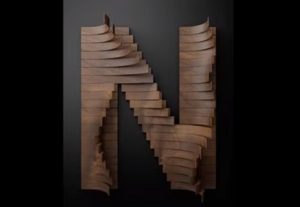
Create Bended Letter Stripes in Maxon Cinema 4D
In this interesting video tutorial we will see how to create 3D furniture elements with a wooden writing made of stylized staves with folds using the Maxon Cinema 4D modeling…
15
Dec2013
Acid Rain Effect in Cinema 4D – Tutorial
This video tutorial shows how to create an acid rain effect in Cinema 4D. An effect used to destroy metal ship hulls and create a lot of other corrosive effects.
06
Mar2013
New 3D Text Extrusion in After Effects CS6
An excellent video tutorial that explains how to make the most of the new 3D extrusion function in Adobe After Effects CS6, a new tool that allows you to have…
31
Aug2016

Creating a Cartoon Transition in After Effects
In this video tutorial we will see how to create an awesome cartoon-style cloud transition using the Trapcode Particular plugin and the 3D Orbit tool in Adobe After Effects. An…
27
Jul2017
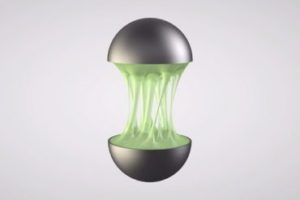
Create Dripping Liquid Slime Effect in Cinema 4D
In this interesting video tutorial we will see an exercise that will teach us how to create a slim effect of dripping liquid in Cinema 4D without using other third-party…










