

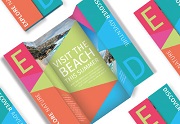
Nel tutorial che andremo a vedere ci vengono mostrate le fasi di creazione di una divertente brochure ripiegabile che si basa su un formato A4 semplice. Un design flessibile, ideale per eventi pubblicitari o attrazioni turistiche, l’opuscolo si espande da un compatto layout a un coinvolgente spread a colori.
Related Posts
09
Jan2016

Create Photography 3D Logo in CorelDraw!
In this video tutorial you will learn how to create a logo for a 3D photography agency with CorelDraw. The ‘tricks’ used in this exercise can help you create other…
06
Apr2013
Simple Cloning Technique in Adobe After Effects
A video tutorial that explains how to create a simple cloning of a character in Adobe After Effects. In the movie the characters are duplicated and play with a football…
15
May2018
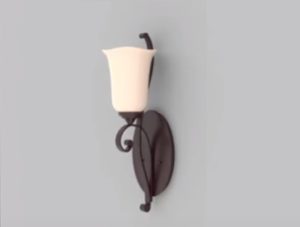
Modeling a Simple Wall Light in Autodesk 3ds Max
In this interesting video tutorial we will see how to create a 3D wall lamp using the modeling and rendering program Autodesk 3ds Max. A very detailed and easy to…
24
Nov2016

Draw a Cupcake Label Design in CorelDRAW
In this video tutorial we will see how to use CorelDRAW tools to design a professional vector label for a Cupcake shop. An excellent method to practice using the program…
02
Feb2017

Draw a Simple Lion Shield Logo in CorelDRAW
Un interessante video tutorial che mostra come ralizzare un logo vettoriale stilizzato con una testa di leone su di uno scudo utilizzando il programma di grafia CorelDAW. Una lezione molto dettagliata…
05
Nov2022
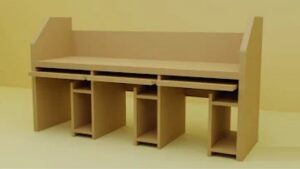
Simple Office Table 3D Modeling in Autodesk Maya
In this video tutorial we will see how to model an office table in Maya. We will mainly use the basic figures of the program, especially the Box tool. An…
