


Nei passi del tutorial che andremo a vedere si imparerà a creare un insieme di palloncini ed usarli per formare un effetto di testo pulito in Adobe Illustrator. Per cominciare imparerete come impostare una semplice griglia, come creare le forme principali e come aggiungere sottili ombreggiature e riflessi. Una volta avute tutte queste forme, imparerete come affettare facilmente e come salvare una serie di modelli.
Related Posts
18
Nov2013
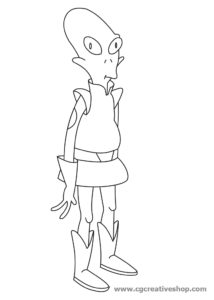
Kif Kroker, Alieno di Futurama da colorare
Kif Kroker è un personaggio della serie animata Futurama. Timido e impacciato extraterrestre di color verde pisello, proveniente dal pianeta Amphibios 9, tenente del D.O.O.P. e attendente di Zapp Brannigan,…
12
Jan2016

Modelling a Realistic Ring in Cinema 4D
This video tutorial shows how to model a precious ring in Cinema 4D. An interesting exercise because it is very detailed and can also be followed by the average user.
05
Jul2017

Draw a Captain Flat Design Character in Illustrator
In this video tutorial we will see how to draw the vector figure of a captain of a ship complete with a hat and pipe using the Adobe Illustrator graphics…
16
Sep2014

Intro to Maxwell Render in Cinema 4D – Tutorial
This very detailed video tutorial gives us a very correct introduction to Maxwell Render, an independent rendering engine. We are going to render a syringe in Cinema 4D using Maxwell…
07
Nov2013
Create a Candy Striped Text in Illustrator
Nel tutorial che andremo a vedere viene mostrato il processo di creazione di una scritta di ‘caramella’ molto colorata con Adobe Illustrator. Una bella composizione allegra che può arricchire i…
17
Jun2017
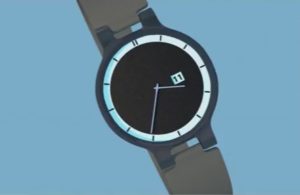
Modeling a Realistic Watch using Cinema 4D
In this interesting video tutorial we will see how to make a realistic 3D wristwatch using the Maxon Cinema 4D polygonal modeling program. An excellent exercise, very detailed and easy…
