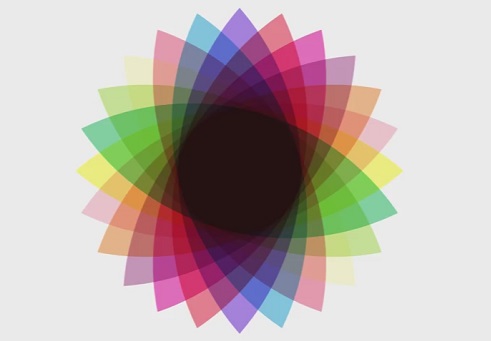
In this video tutorial we will use the Assisted Fill, Rotation and Transparency tools to create a retro futuristic flower design using CorelDraw X8. The idea behind this project is very simple. First, we create a petal with two circles and then 12 duplicates using the Transformation tool and rotating each petal at 15 °. following the previous petal.
[su_youtube url=”https://www.youtube.com/watch?v=L8BEsXOX9uU”]