In the tutorial that we will see, the steps to transform an image of a mountain into an erupting volcano scene in Photoshop are described. The techniques used in this exercise include various image adjustment tools, a series of filters. We’ll also be using level blending options and some core selection skills.
Related Posts
22
Feb2014

Create Globe Button for Website in Photoshop
Sempre in cerca di nuovi elementi di design per il tuo sito web? Allora il tutorial che andremo a vedere vi sarà sicuramente utile. Si tratta di realizzare pulsanti da…
01
Feb2013
Create a Scratched Metal Text in Photoshop
In the tutorial that we will follow the steps to create a scratched metal text effect using Adobe Photoshop are explained. We can practice a different use of filters and…
11
Apr2016
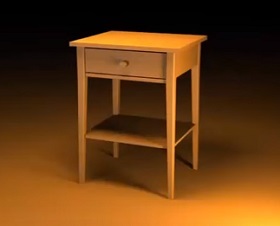
Modeling a Night Table Easy Technique with 3ds Max
In this nice video tutorial we will see how to model a bedside table with a simple technique using 3ds Max. A fairly detailed and easy to follow lesson for…
15
Jul2016

Make 3D Gold Text Effect in CorelDraw!
In this easy step by step video tutorial you will learn to play with the outline tool and colors to make a great Goldy 3d text effect with CorelDraw. A…
20
Nov2012
Chocolate Text Effect Tutorial in Photoshop
In the Adobe Photoshop tutorial we’re going to see we try to create a realistic chocolate text. In reality the effect is more a mixture of chocolate and caramel. Good…
30
Sep2014
Create an Exploding Planet in Adobe Photoshop
This tutorial shows you how to create a shattered and exploding planet. All supervillains wish for a weapon capable of destroying a planet. We will start with a perfect planet…